
Boost Offline Engagement with Amkep's Dynamic QR Codes
Learn how to seamlessly connect your physical marketing efforts to your digital presence using Amkep's dynamic QR code generator, driving more traffic and.
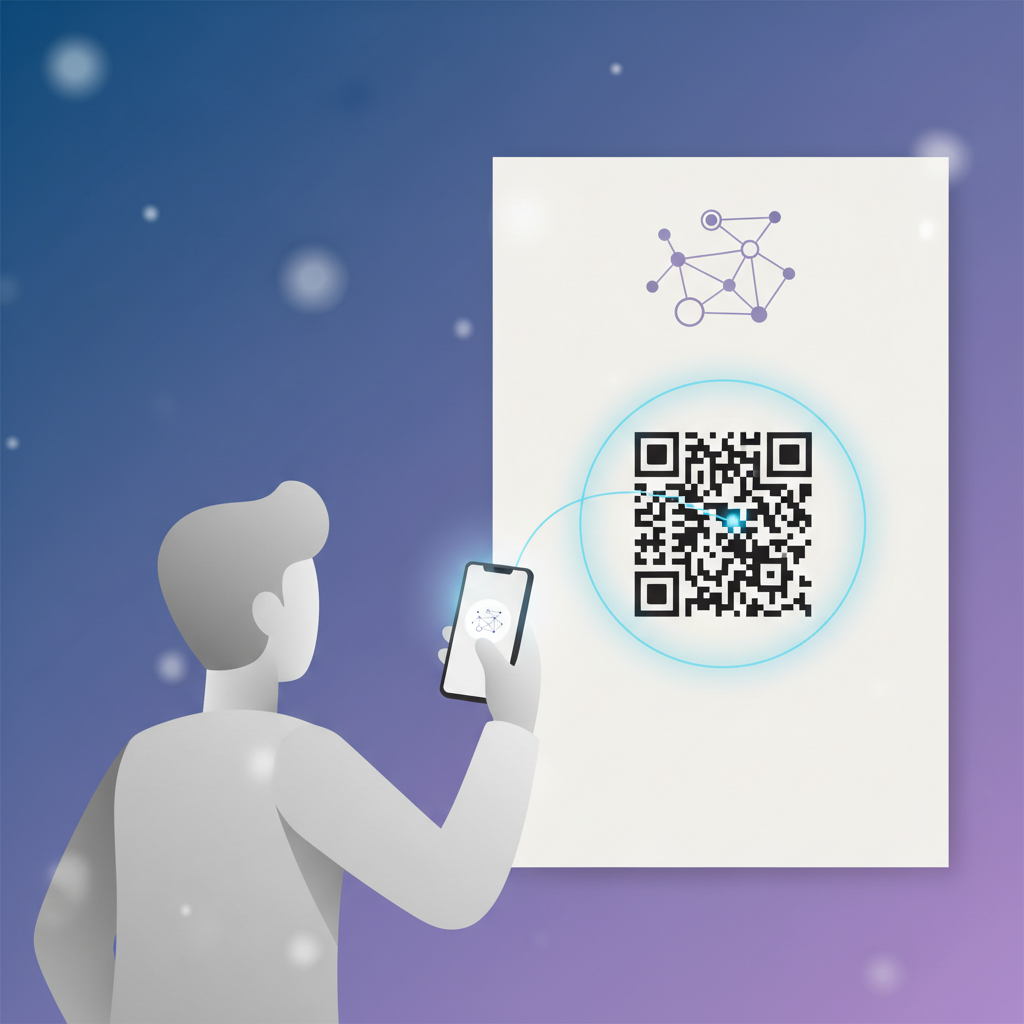
In today's creator economy, blurring the lines between offline and online presence is crucial for growth. Whether you're selling physical products at a market, performing live, or networking at events, guiding your audience to your digital hub is paramount. Amkep, your go-to link-in-bio platform for referral-driven growth, now offers dynamic QR codes to bridge this gap, transforming casual interest into engaged followers and valuable referrals.
Dynamic QR codes are more than just static images; they are powerful tools that can be updated in real-time, even after they've been printed. This means you can change the destination URL of your QR code anytime without reprinting, offering unparalleled flexibility for your evolving marketing campaigns.
Why Dynamic QR Codes are Game-Changers for Creators
For creators using Amkep, dynamic QR codes offer a unique advantage by integrating your physical touchpoints directly with your digital growth strategies. Imagine handing out flyers at a local event. Instead of just listing social handles, a single QR code can direct people to your Amkep profile, where they can access all your content, find your referral links, and discover other creators you're promoting. This simplifies the user journey and maximizes the impact of every offline interaction.
Furthermore, dynamic QR codes provide valuable analytics. You can track scans, understand peak engagement times, and even see locations (if enabled by the user's device). This data is invaluable for refining your offline marketing strategies, helping you understand which physical touchpoints are most effective at driving online engagement. This feedback loop allows for continuous improvement, ensuring your efforts are always optimized for maximum return.
Setting Up Your Amkep Dynamic QR Code for Maximum Impact
Creating and deploying a dynamic QR code with Amkep is straightforward, yet the strategic thinking behind it can dramatically boost your results. First, log into your Amkep dashboard and navigate to the 'QR Code Generator' section. Here, you'll choose the destination for your QR code. While linking directly to your main Amkep profile is often ideal, consider creating specific landing pages within your Amkep setup for different campaigns. For instance, if you're promoting a new product, you could create a dedicated Amkep section with direct purchase links and related content, then link your QR code there.
Once your QR code is generated, download it in a high-resolution format suitable for printing. Think about where it will be placed: business cards, event banners, product packaging, t-shirts, or even digital signage. The key is visibility and clarity. Ensure the QR code is large enough to be easily scanned and placed in a prominent location where your audience is likely to see it. Always include a clear call to action (CTA) next to the QR code, such as "Scan to connect!" or "Scan for exclusive content!" This encourages scans and tells users exactly what to expect. Regularly review the analytics associated with your QR codes to understand their performance and make data-driven adjustments to your campaigns. This iterative process ensures your offline-to-online bridge is always strong and effective, driving consistent growth for your creative endeavors.
By embracing dynamic QR codes, Amkep creators can unlock new avenues for audience engagement, streamline their marketing, and ultimately, grow their presence through powerful, measurable connections between the physical and digital worlds.
- #qrcode
- #offline marketing
- #creator growth
- #amkep tutorial
- #dynamic qr
Keep reading

Choose Your Perfect Bio Page: Creators' Ultimate Guide
Selecting the right link in bio platform is crucial for creators to effectively showcase their work and grow their audience, demanding careful consideration of.
Boost Your TikTok Bio: Add Amkep & Unlock Features
Learn how to effectively add your Amkep link in bio to your TikTok profile and understand the follower requirements to unlock clickable links for maximum.